
Concept & Global Workflow
How auction sessions work from creation to completion
Auction Pro follows a structured, secure workflow that ensures transparency and fairness throughout the entire auction process. Here's how a complete auction lifecycle unfolds:
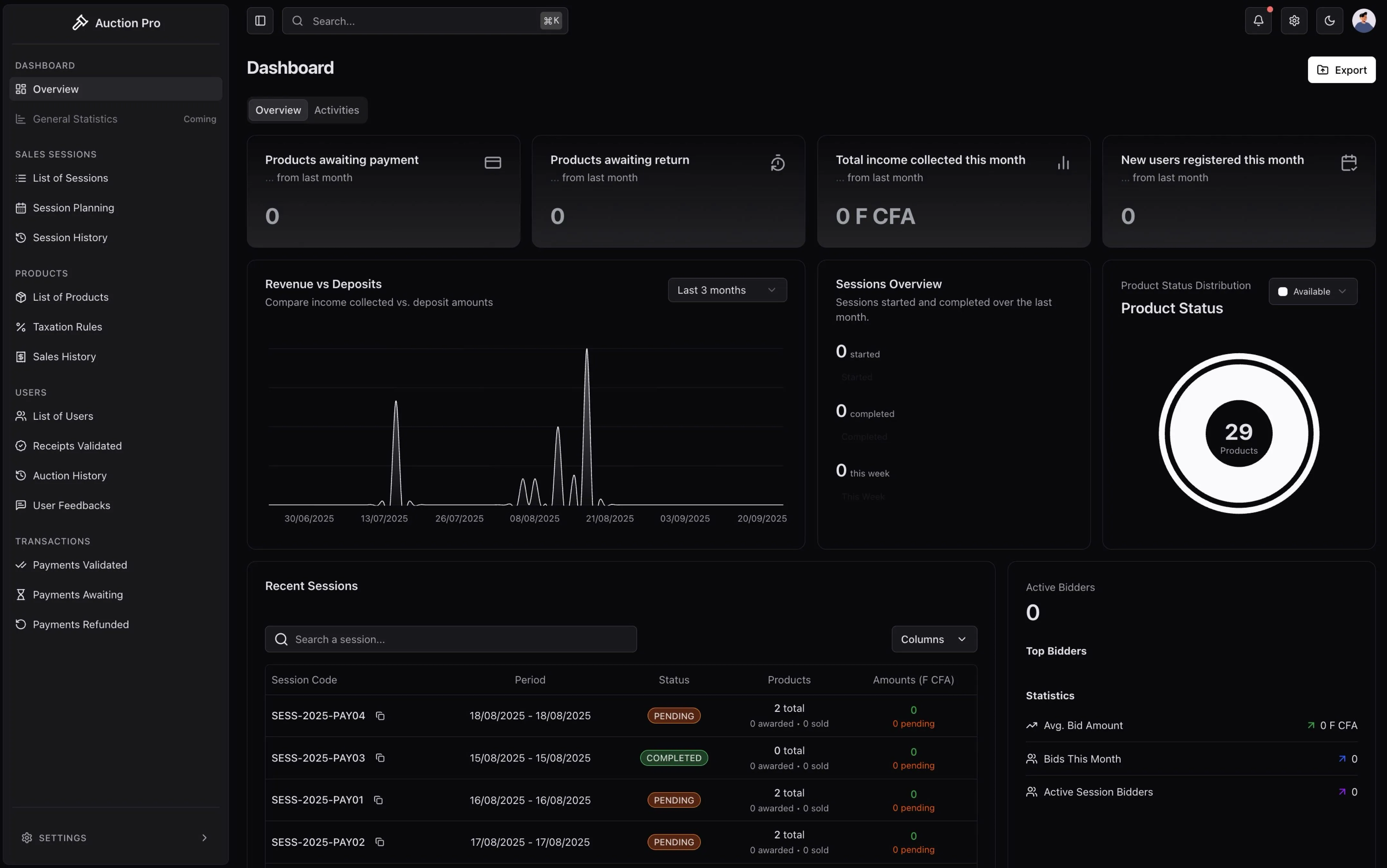
Screenshot: Workflow diagram showing the 5 main auction phases from preparation to completion
🔄 Complete Auction Lifecycle
Phase 1: Session Preparation
graph LR
    A[Admin Creates Session] --> B[Add Products]
    B --> C[Set Rules & Taxes]
    C --> D[Publish Session]
D --> E[Users Register]🔧 Administrator Responsibilities:
- Create Session: Define date, time, duration, and basic parameters
- Add Products: Upload product details, images, starting prices, descriptions
- Configure Rules: Set taxation rates, bid increment rules, session duration
- Set Requirements: Define participant limits, deposit amounts, eligibility criteria
- Publish: Make session visible and available for registration
Key Decisions:
- Session timing and duration
- Product pricing strategy
- Participation requirements
- Payment deadlines
👤 User Participation:
- Discover Sessions: Browse available upcoming auction sessions
- Review Products: Examine items available for bidding
- Register Interest: Mark sessions they want to participate in
- Plan Participation: Understand requirements and prepare for bidding
Preparation Steps:
- Review session rules and requirements
- Plan budget and bidding strategy
- Ensure account verification is complete
- Prepare for deposit payment
Phase 2: Security Deposit (Caution)
graph LR
    A[User Pays 500,000 FCFA] --> B[Generate Receipt]
    B --> C[Cashier Validates]
C --> D[User Authorized to Bid]Amount: 500,000 FCFA (mandatory for all participants)
Purpose: Ensures serious participation and covers potential penalties
Refund: Automatic if no wins, or applied to purchase if successful
Process Flow:
- Payment: User makes secure deposit payment via Stripe
- Receipt: System generates digital receipt with transaction ID
- Validation: Cashier verifies payment and validates receipt
- Authorization: User gains bidding privileges for the session
Screenshot: Deposit payment interface and receipt validation screen
Phase 3: Live Auction Session
graph LR
    A[Session Starts] --> B[Real-time Bidding]
    B --> C[Automatic Bid Validation]
    C --> D[Winner Determination]
    D --> E[Session Closes]
🔥 Real-time Bidding Features:
How Bidding Works:
- Minimum Increments: System enforces minimum bid increases
- Automatic Validation: Bids validated against user balance and rules
- Time Extensions: Some auctions extend time when last-minute bids occur
- Reserve Prices: Hidden minimum prices that must be met
- Buy Now: Optional immediate purchase at fixed price
Bidding Strategies:
- Monitor multiple items simultaneously
- Set maximum bid limits
- Track bidding history and patterns
- Receive real-time notifications
Live Features:
- Instant Bid Updates: See new bids immediately across all devices
- Participant Counters: Know how many others are competing
- Time Remaining: Countdown timers for each auction item
- Price Tracking: Visual price progression charts
- Activity Feed: Real-time stream of all auction activity
Technical Implementation:
- WebSocket connections for zero-latency updates
- Automatic reconnection if connection drops
- Mobile-responsive design for all devices
Fraud Prevention:
- Identity Verification: All participants must be verified
- Deposit Requirements: Financial commitment ensures serious participation
- Bid Validation: Automatic checking against available funds
- Audit Trails: Complete logging of all actions and decisions
- Anti-Shill Bidding: Systems to detect and prevent artificial bid inflation
Fair Play Enforcement:
- Equal access for all verified participants
- Transparent bidding process
- Automated rule enforcement
- Appeals process for disputed results
C --> D[Winner Determination] D --> E[Session Completion]
**During Active Bidding:**

1. **Real-time Interface**: Live updates of bids and current prices
2. **Bid Validation**: Automatic checking of bid increments and user authorization
3. **Timer Management**: Session and individual product time limits
4. **Winner Selection**: Highest valid bid wins when time expires

_[Screenshot Note: Live bidding interface showing real-time bid updates]_

### Phase 4: Payment & Acquisition

```mermaid
graph LR
    A[Product Won] --> B[Calculate Final Amount]
    B --> C[User Pays Balance]
    C --> D[Payment Verification]
    D --> E[Generate Final Receipt]
Payment Calculation:
- Product Price: Final winning bid amount
- Taxes: Applied according to session rules (e.g., 10%)
- Deposit Credit: 500,000 FCFA is applied to final amount
- Balance Due: Final amount - taxes - deposit = amount to pay
Example:
Product won at: 2,000,000 FCFA
Taxes (10%): 200,000 FCFA
Total amount: 2,200,000 FCFA
Less deposit: -500,000 FCFA
Balance due: 1,700,000 FCFA
[Screenshot Note: Payment calculation breakdown and Stripe payment interface]
Phase 5: Product Recovery & Completion
graph LR
    A[Payment Confirmed] --> B[Generate Unique Code]
    B --> C[User Receives Pickup Code]
    C --> D[Present Code for Pickup]
    D --> E[Transaction Complete]
Final Steps:
- Code Generation: Unique alphanumeric code for product identification
- Pickup Authorization: Code verification at pickup location
- Product Delivery: Physical handover of won items
- Transaction Closure: Complete audit trail recorded
Alternative Scenarios
Non-Payment Scenario
If a winning user fails to complete payment within the specified timeframe:
- Grace Period: Automatic 48-hour grace period for payment
- Reminder Notifications: Automated reminders via in-app notifications
- Product Return: Item returned to available inventory
- Deposit Forfeiture: Security deposit may be partially or fully forfeited
- Account Penalty: User may receive bidding restrictions
Refund Scenarios
Refunds are processed in these situations:
- Session Cancellation: Full refund of deposit if session is cancelled
- Technical Issues: Refund if system problems prevent fair participation
- Non-Participating Users: Deposit refund if user doesn't bid on any items
- Overpayment: Automatic refund of any excess payments
[Screenshot Note: Refund processing interface and status tracking]
Progress Tracking
Users can track their auction participation through a comprehensive progress system:
Status Indicators
- 🟡 Registered: Deposit paid and validated, ready to bid
- 🔵 Bidding: Actively participating in live session
- 🟢 Won: Successfully won one or more items
- 🟠 Payment Pending: Items won, payment required
- ✅ Completed: Payment confirmed, ready for pickup
- ❌ Expired: Payment deadline missed, items returned
Real-time Updates
All status changes are immediately reflected in:
- User dashboard with progress indicators
- In-app notification system
- Email notifications (if configured)
- Mobile push notifications (PWA)
Key Success Factors
Transparency
- All bid history is permanently recorded
- Real-time updates prevent information asymmetry
- Complete audit trail for all financial transactions
Security
- Multi-layer authentication and authorization
- Secure payment processing via Stripe
- Role-based access controls for all operations
Efficiency
- Automated validation and processing
- Real-time notifications reduce manual follow-up
- Streamlined workflow from registration to pickup
Next: Learn about user roles and responsibilities →
💬 Help Us Improve
Your feedback helps us create better documentation for everyone. Please let us know if this page was helpful or if you have suggestions for improvement.
How is this guide?